Notes & planning · Desktop app

NotesGalore Desktop
Write Markdown notes, connect ideas with wiki-links, and organize tasks and calendar events in a local desktop workspace.
Release availability
Desktop release in preparation
A public installer and new desktop purchases are not available yet. Explore the features and planned Pro pricing below, or ask about availability.
Before you install
The release will include its version, supported operating systems, download size, signing status, checksum and installation steps. No desktop platform is offered for paid download here yet.
Help with an existing desktop licenseA workspace for writing and planning
Write and connect
Use formatted editing or Markdown source. Organize notebooks, follow wiki-links and backlinks, and keep related ideas close to the note you are writing.
Bring tasks into view
Keep checklist tasks, dates and calendar events alongside your notes. Pro adds subtasks, recurring schedules and visual Boards.
Keep a copy you control
Core notes work locally without an account. Export your work and make full backups before changing computers. Purchase restoration does not recover your notes.
Inside the desktop app
Actual desktop development captures from 17 October 2026, with sample content. These previews show local tools, not a released installer or completed purchase.
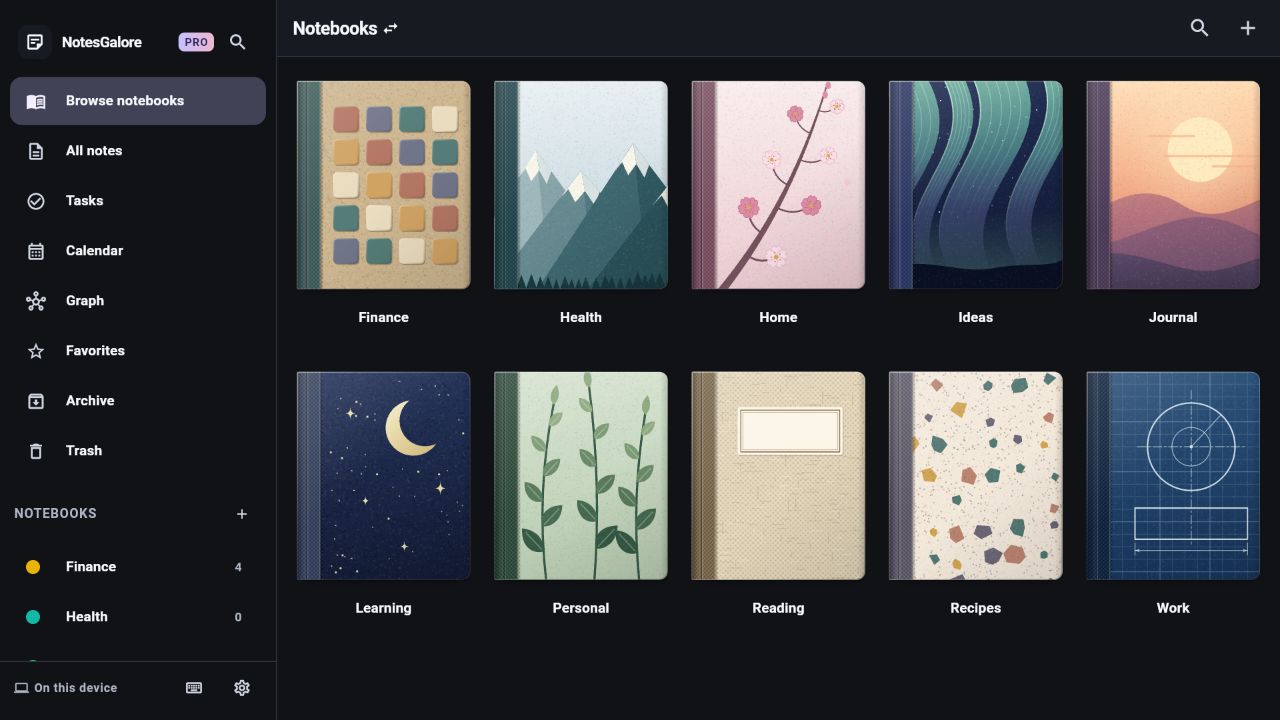
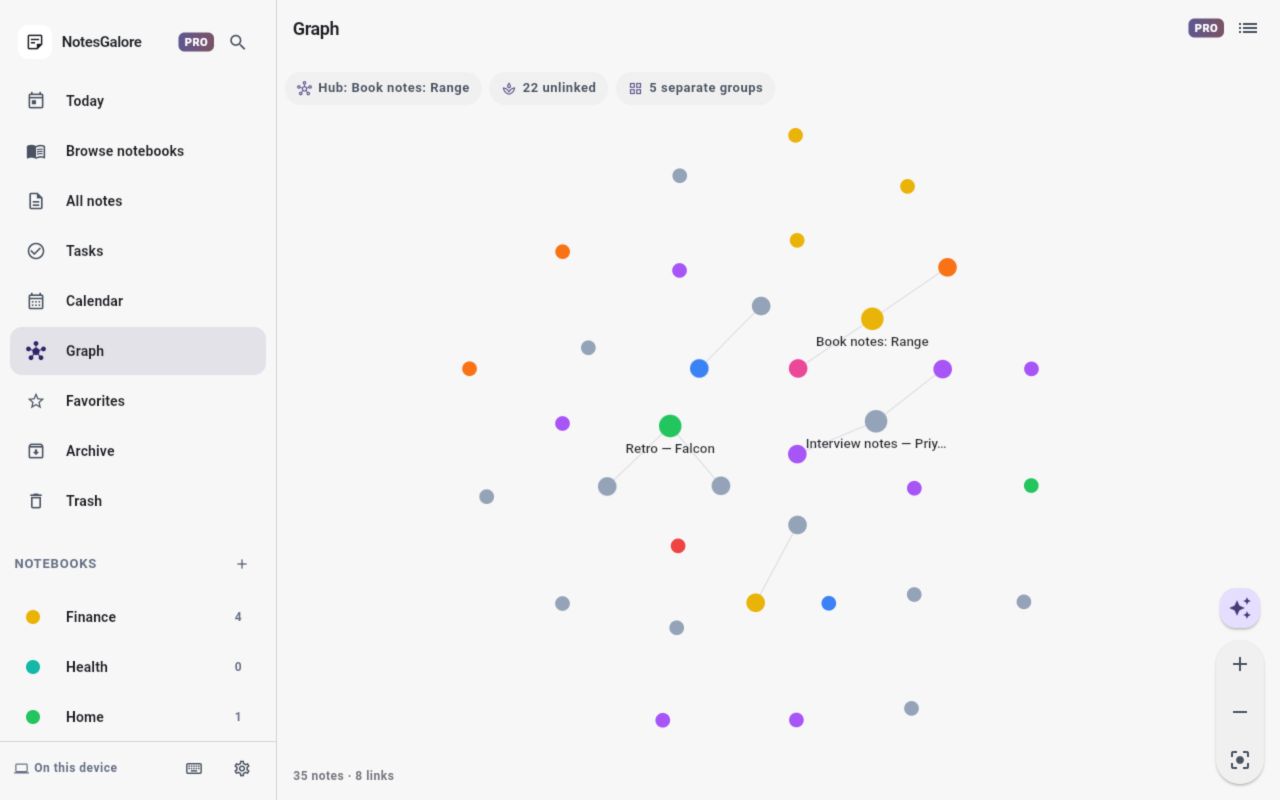
Free local tools. Pro when you need more.
The desktop offer matches the approved Android Free and Pro plans. These are planned Philippine-peso list prices; Paddle checkout and desktop downloads are in preparation.
For everyday notes
Free
PHP0
- Unlimited local notes and notebooks, formatted editing and Markdown source
- Wiki-links, backlinks, tasks and calendar views
- Up to five attachments per note and the three most recent saved versions
- Import, export and full backups
No subscription or default trial required. Desktop download in preparation.
For a connected workspace
Pro
- Pro monthly
- PHP99 / monthRenews monthly until cancelled.
- Pro yearly
- PHP899 / yearRenews yearly until cancelled.
Yearly is one PHP899 payment each year. The same Pro tools are included in either billing period.
- Visual Boards, manual ordering and nested notebooks
- Subtasks and recurring task schedules
- Full knowledge graph, advanced search and extended history
- Premium notebook covers and additional note fonts
Purchases are not open yet. No default trial. Availability, applicable tax and the final total must be confirmed before payment.
When available, desktop subscriptions will use Paddle. Cancel renewal through the verified management link in your Paddle purchase email; access continues for the verified period already paid for. After expiry, premium creation and editing tools become restricted. Existing notes and attachments remain readable and exportable; nothing is deleted and Free tools remain available.
Existing Lifetime purchases keep their eligible on-device features under their original terms, without conversion or recurring charges. A Google Play purchase does not automatically unlock desktop access.
Before choosing desktop
Can I use my Android purchase?
Desktop and Android purchase channels are separate. No automatic cross-platform entitlement transfer is promised. Your existing Google Play purchase keeps its original terms; contact support about an existing order.
Does Pro include cloud storage or AI?
No. Pro covers local tools. Hosted AI, managed cloud storage and hosted collaboration are not included. Optional Google Drive sync uses your own storage and is currently restricted to authorized OAuth test accounts. Desktop shared-folder sync is not encrypted by NotesGalore.
How do I recover an existing desktop license?
In a configured build, use the license activation or Restore purchases controls under Settings → Upgrade. Existing signed desktop activations need an online refresh at least every 30 days. Keep a separate backup of your notes.
Desktop activation and recovery helpQuestions about NotesGalore Desktop?
Timastra LLC supplies and supports the app. Email support@timastra.com with your app version and operating system. Keep private notes, license keys and payment details out of your message.