Timastra on mobile

NotesGalore
Keep Markdown notes, linked ideas, tasks and a calendar on Android. Work locally, with optional Pro for Boards, advanced search and more.
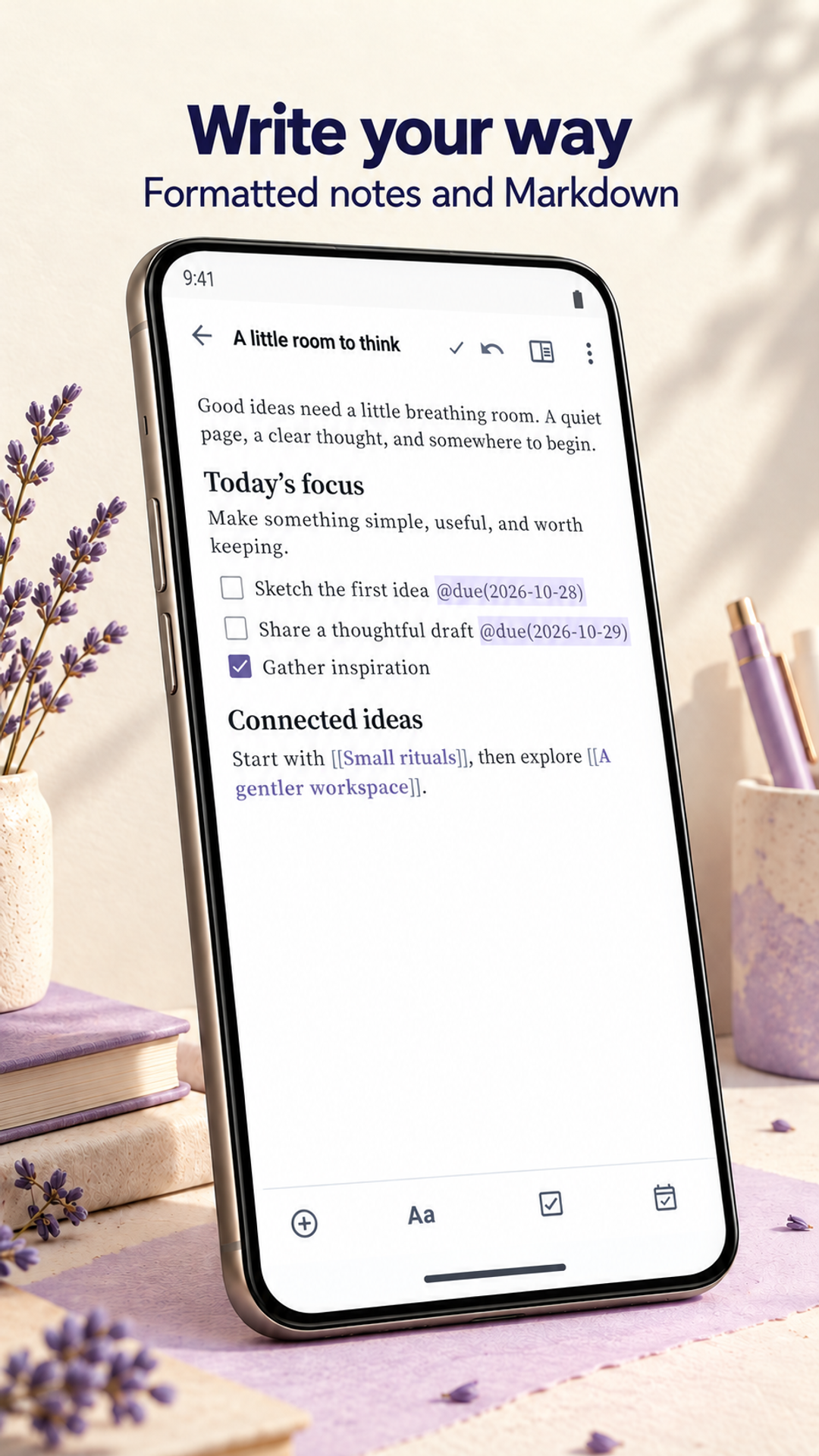
Write notes, organize notebooks and connect related ideas with wiki-links and backlinks. Bring dated checklist tasks into Tasks and Calendar while keeping your notes on your device. Core local note-taking needs no account. Optional Pro adds visual Boards and more ways to organize and inspect your work.
Explore NotesGalore Desktop · Available for Windows on Microsoft Store, with Free tools only. Pro purchases and activation are unavailable in the Store edition. Google Play purchases remain separate.
The public Microsoft Store Windows edition is Free-only. See Store edition availability.
Available to download
Check Google Play for your device and country · listing checked 2026-11-09
What you can do
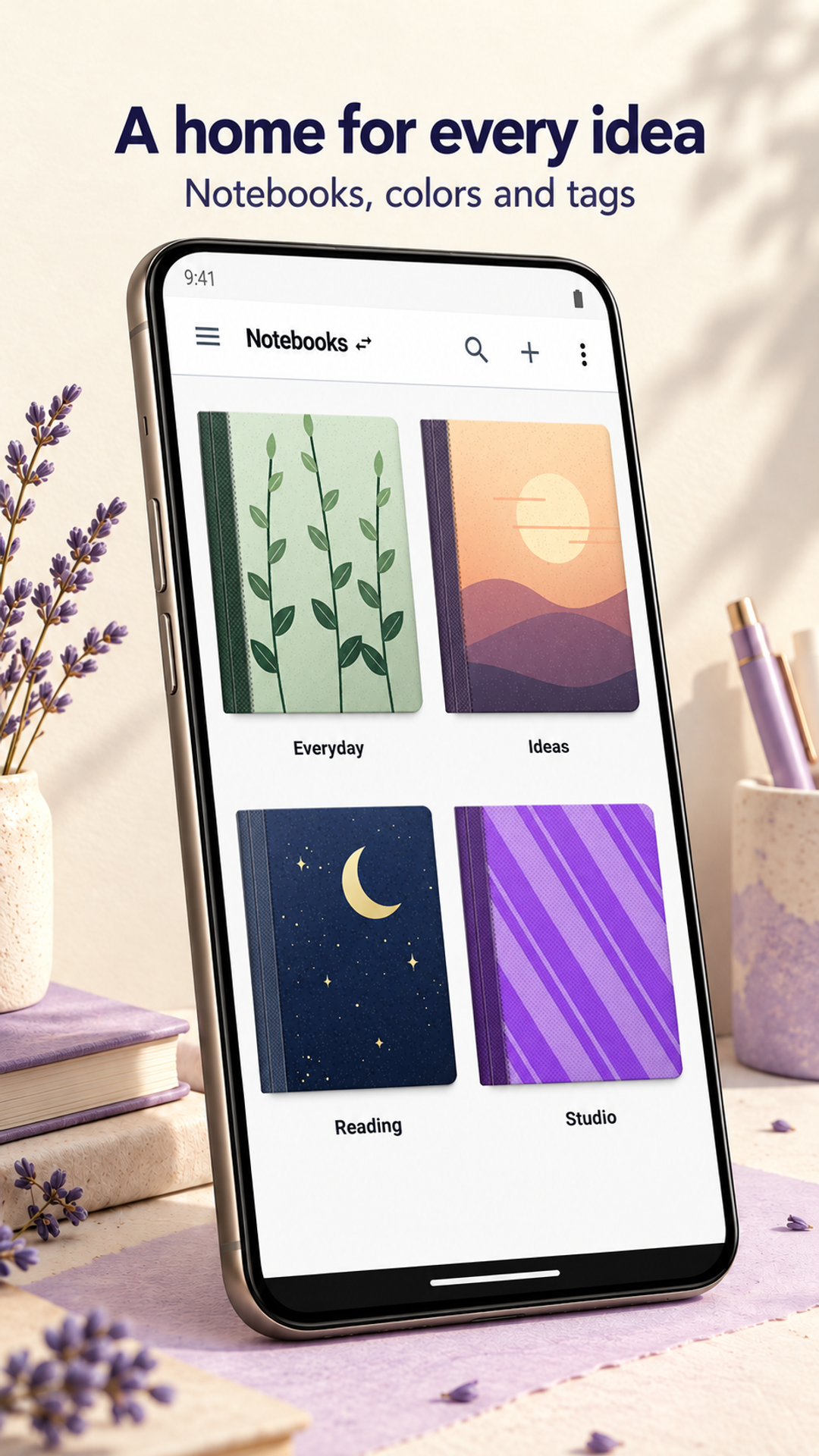
- Create unlimited local notes and notebooks, organize ideas and follow wiki-links and backlinks between related notes.
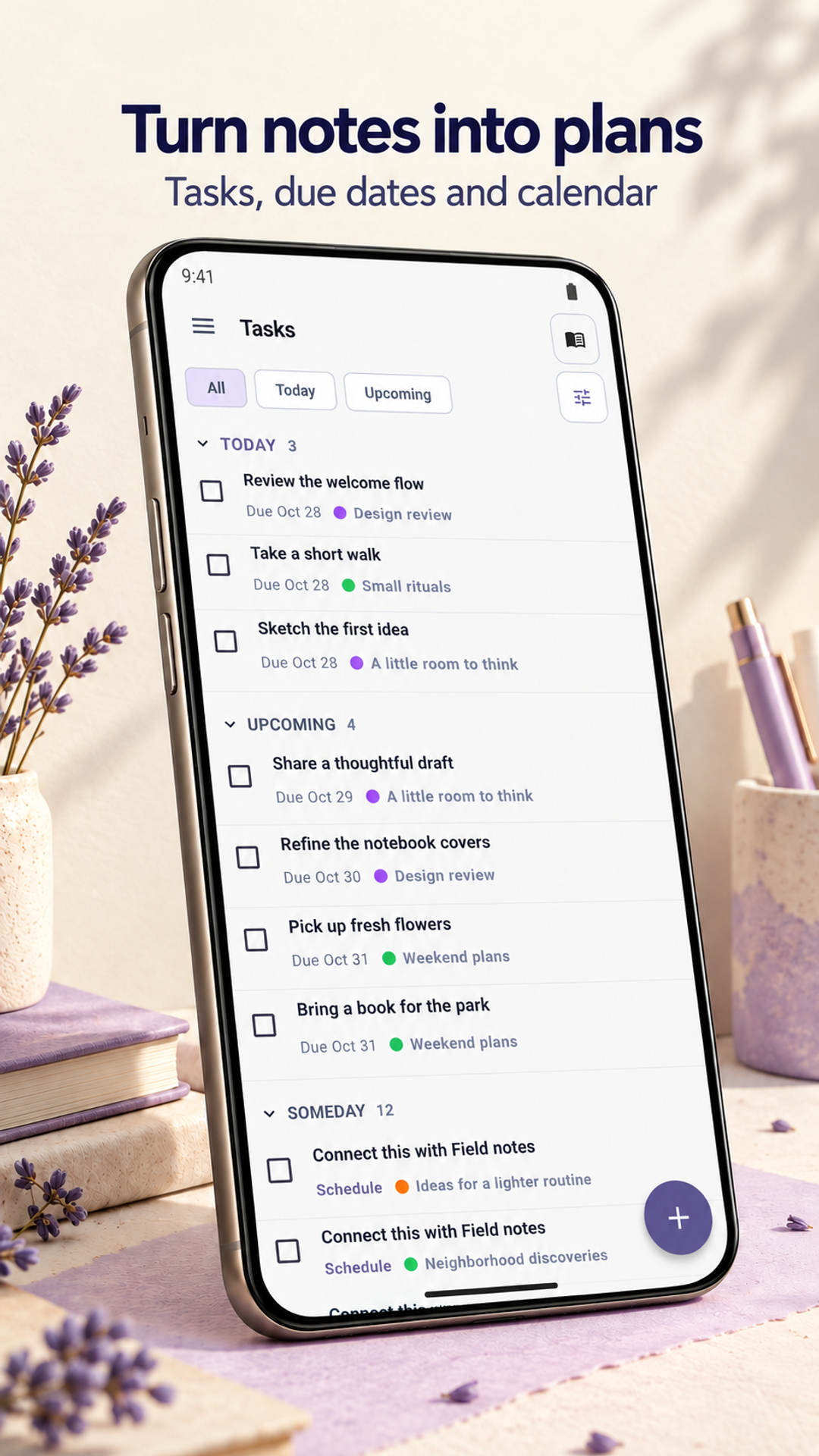
- Manage checklist tasks with due dates in Tasks and Calendar. Optional reminders require the relevant permissions and device settings.
- The free app allows up to five attachments per note and the three most recent saved versions. Optional Pro adds visual Boards, manual ordering, nested notebooks, subtasks and recurring schedules.
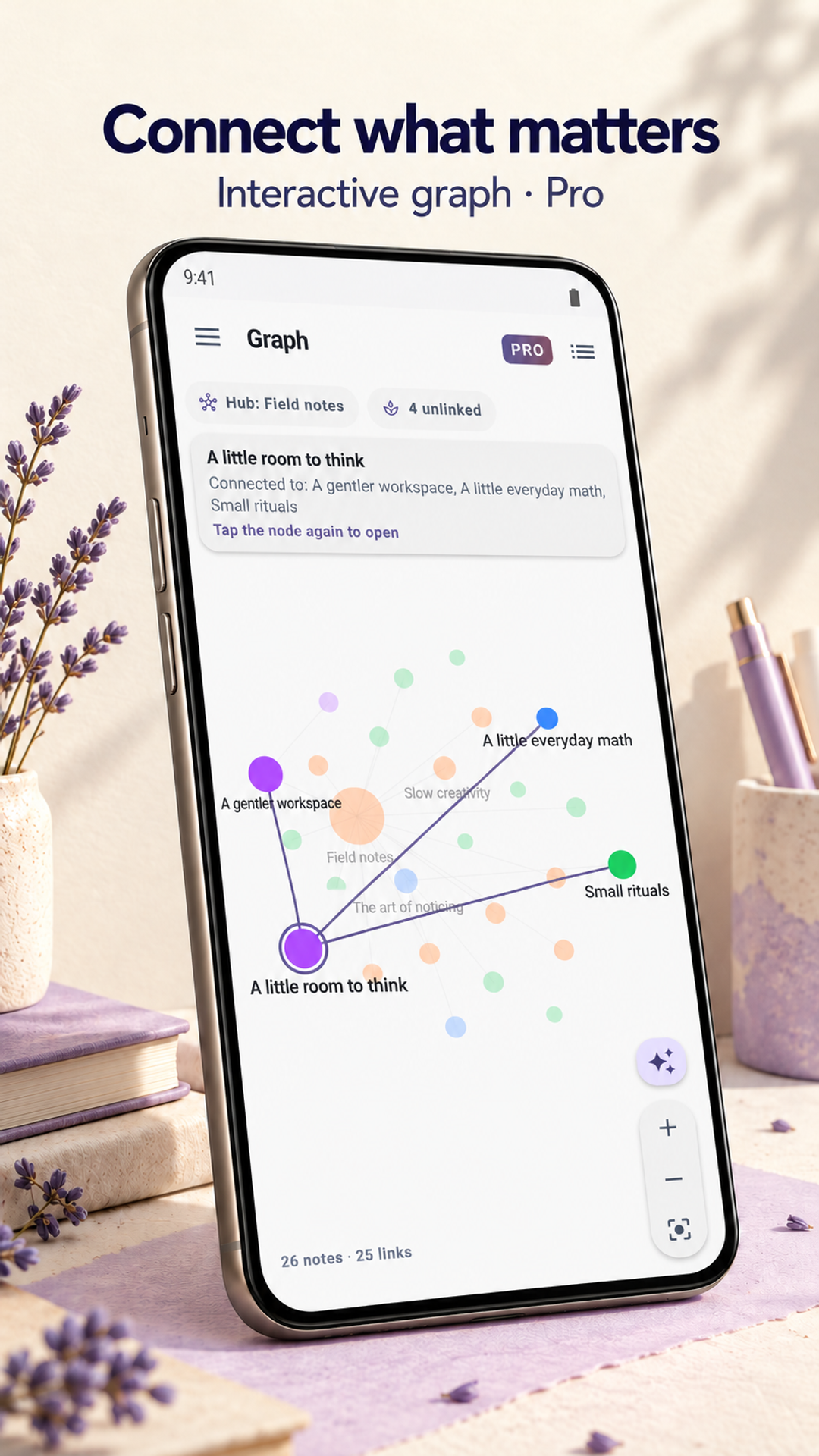
- Pro also adds PDF highlights and ink, longer recordings, advanced document search, the full knowledge graph and extended history. Save a full backup before replacing a phone; passphrase protection is available in supported versions.
Review the app’s privacy, support and deletion information. Google Play confirms availability for your device and country; features may differ by installed version.
A closer look
Inside NotesGalore
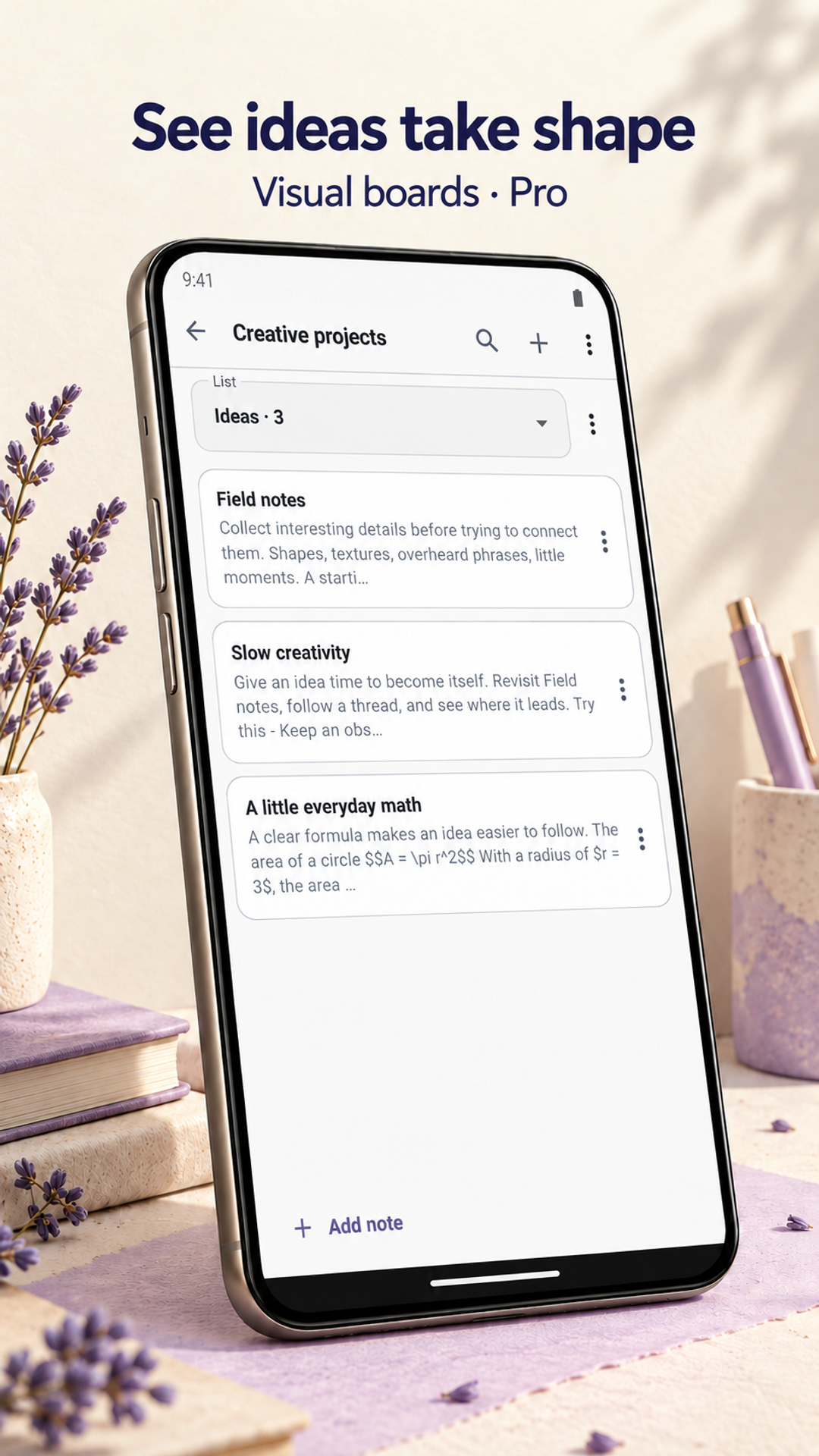
Published Google Play screenshots, checked 31 October 2026. Sample notes and store presentation framing are shown. Available tools depend on your installed version and Pro access. Select a screen to view it full size.
Questions about NotesGalore
Does NotesGalore work offline without an account?
Yes. Core notes, notebooks, wiki-links, tasks and calendar views work locally without a NotesGalore account. Optional purchases and restoration need connectivity. Optional encrypted Google Drive access is restricted to authorized OAuth test accounts; hosted note synchronization is unavailable.
What is free, and what does NotesGalore Pro cost?
Free includes unlimited notes and notebooks, formatted editing, Markdown source, wiki-links, tasks, calendar, import/export and full backups, with up to five attachments per note and the three most recent saved versions. Check the installed app and Google Play for eligible Pro features, available plans, localized prices and purchase or renewal terms. Existing Lifetime purchases remain restorable without conversion or recurring charges. There are no ads.
What can I do with NotesGalore Boards?
Optional Pro adds visual Boards for arranging notes in lists. Create a note directly in a Board or add an existing note, then move cards between lists. Pro also adds manual note and notebook ordering, nested notebooks, subtasks and recurring task schedules. Check your installed version for supported tools.
How should I protect my notes when changing phones?
Make a backup and check that you can restore it before clearing app data or replacing a device. Core records remain local; Timastra does not keep a hosted copy. Markdown exports are snapshots rather than live synchronization or exact backups. Restoring a Pro purchase does not recover your notes, attachments or history.
Need a hand?
Find help for NotesGalore, or ask us about access on your device.
Visit app support