Timastra on mobile

Timastra Listing Studio
Remove backgrounds, review cutouts and export product photos on Android. Free: 20 new exports monthly. Optional Seller adds unlimited exports.
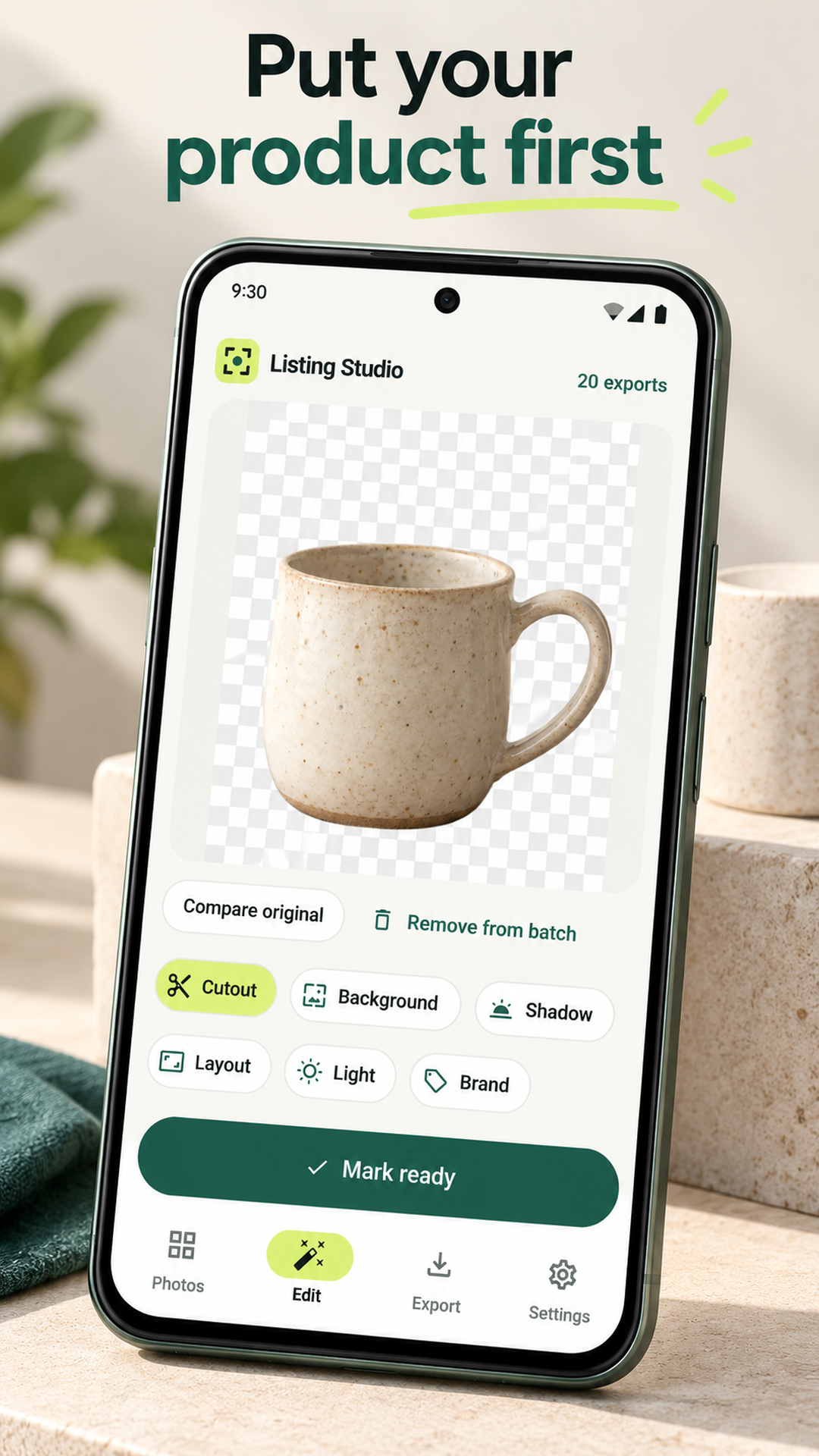
Turn product photos into a consistent set of listing images. Remove backgrounds on your phone, inspect edges, reuse a look across a batch and export JPEG, PNG or WebP. Listing Studio preserves originals and saves local projects, without requiring an app account.
Available to download
Check Google Play for your device and country · listing checked 2026-11-09
Free includes 20 new exports per UTC month in batches of ten, without a watermark or app account. Optional Seller subscriptions add unlimited exports and 250-photo batches. Restoring a purchase does not recover local photos. Contact support before buying again if an earlier account-linked purchase fails to restore.
What you can do
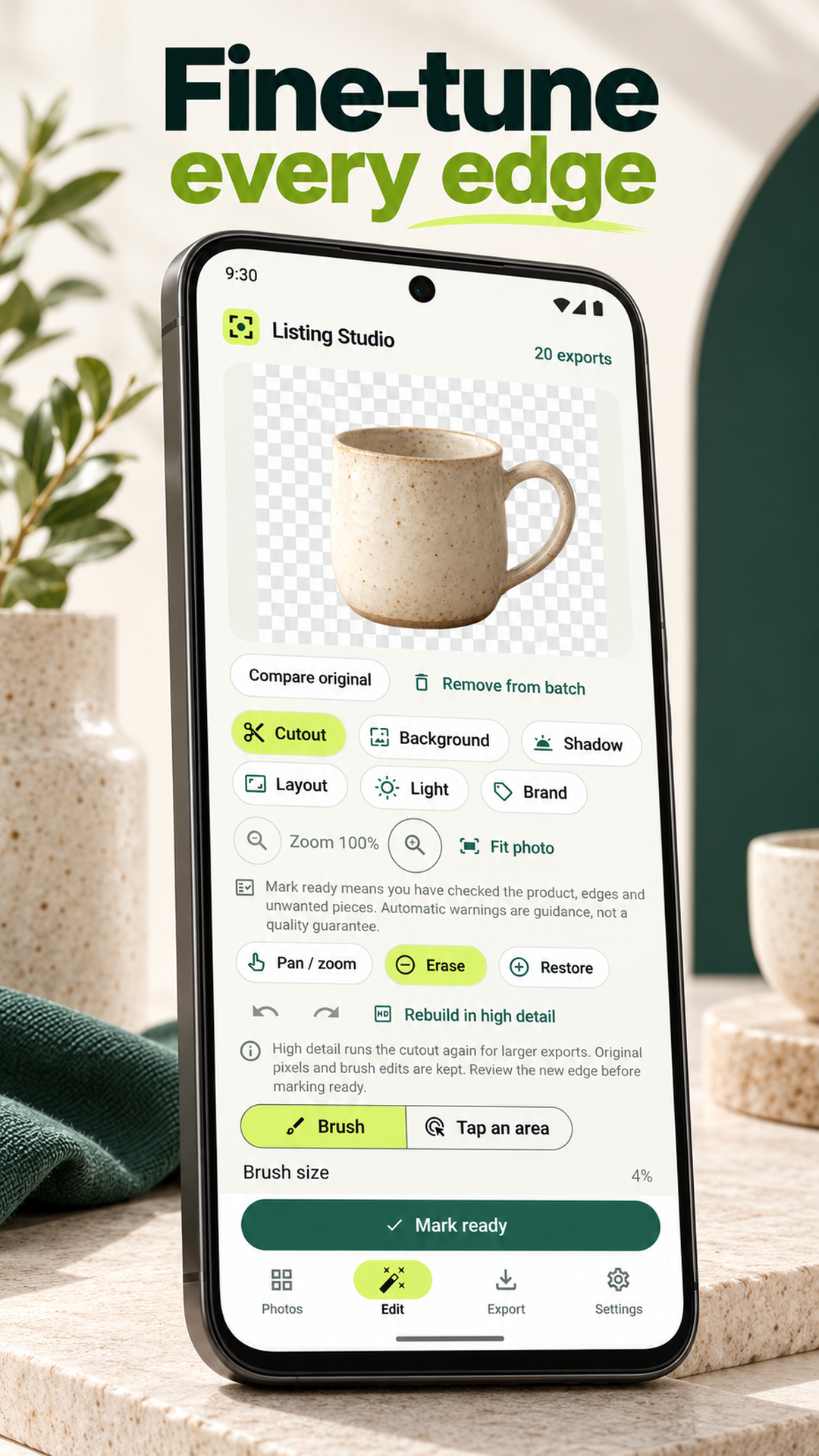
- Import photos from camera or gallery and make offline cutouts with bundled BiRefNet Lite. Zoom in, erase or restore edges, and review each result before approval.
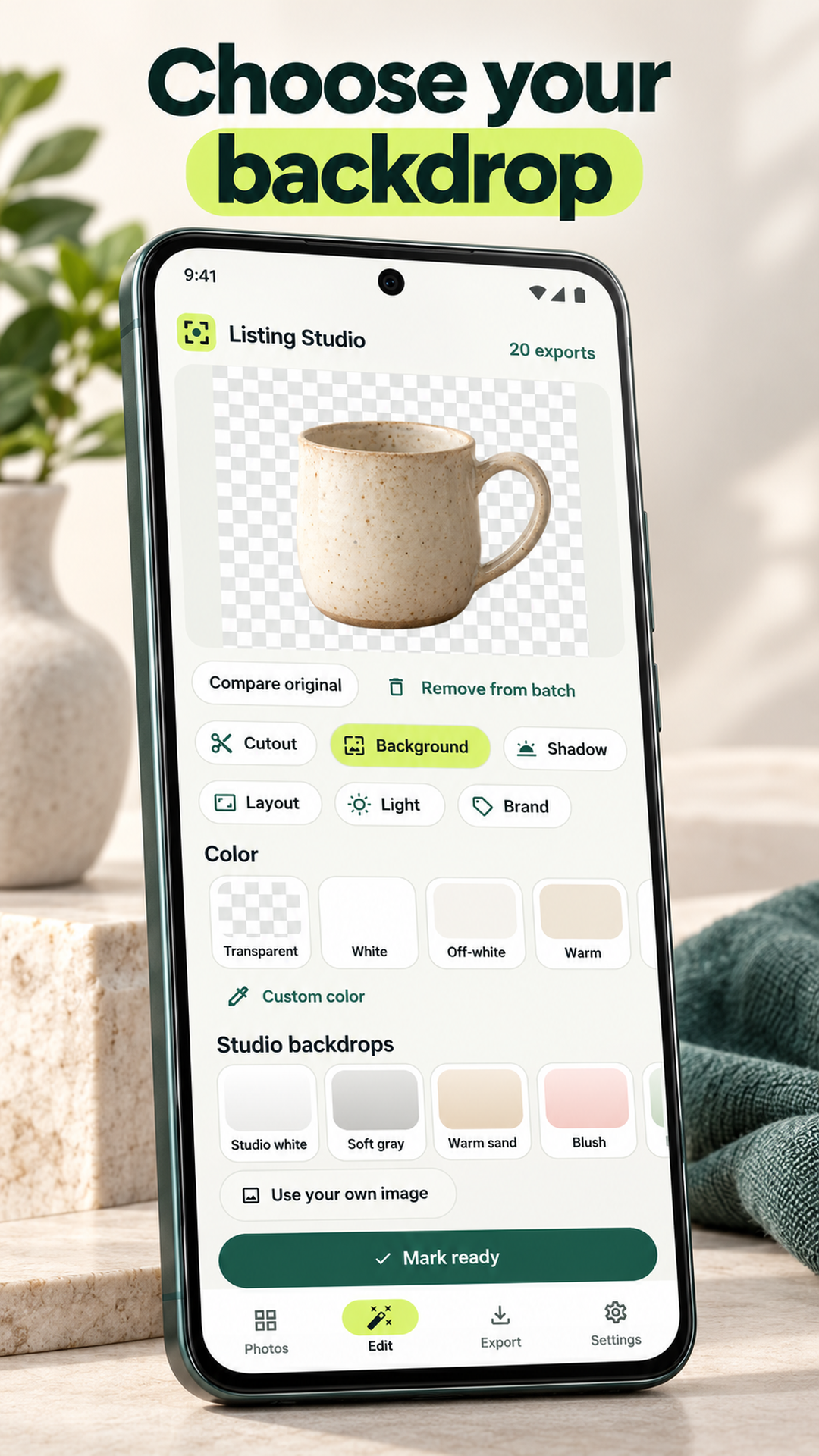
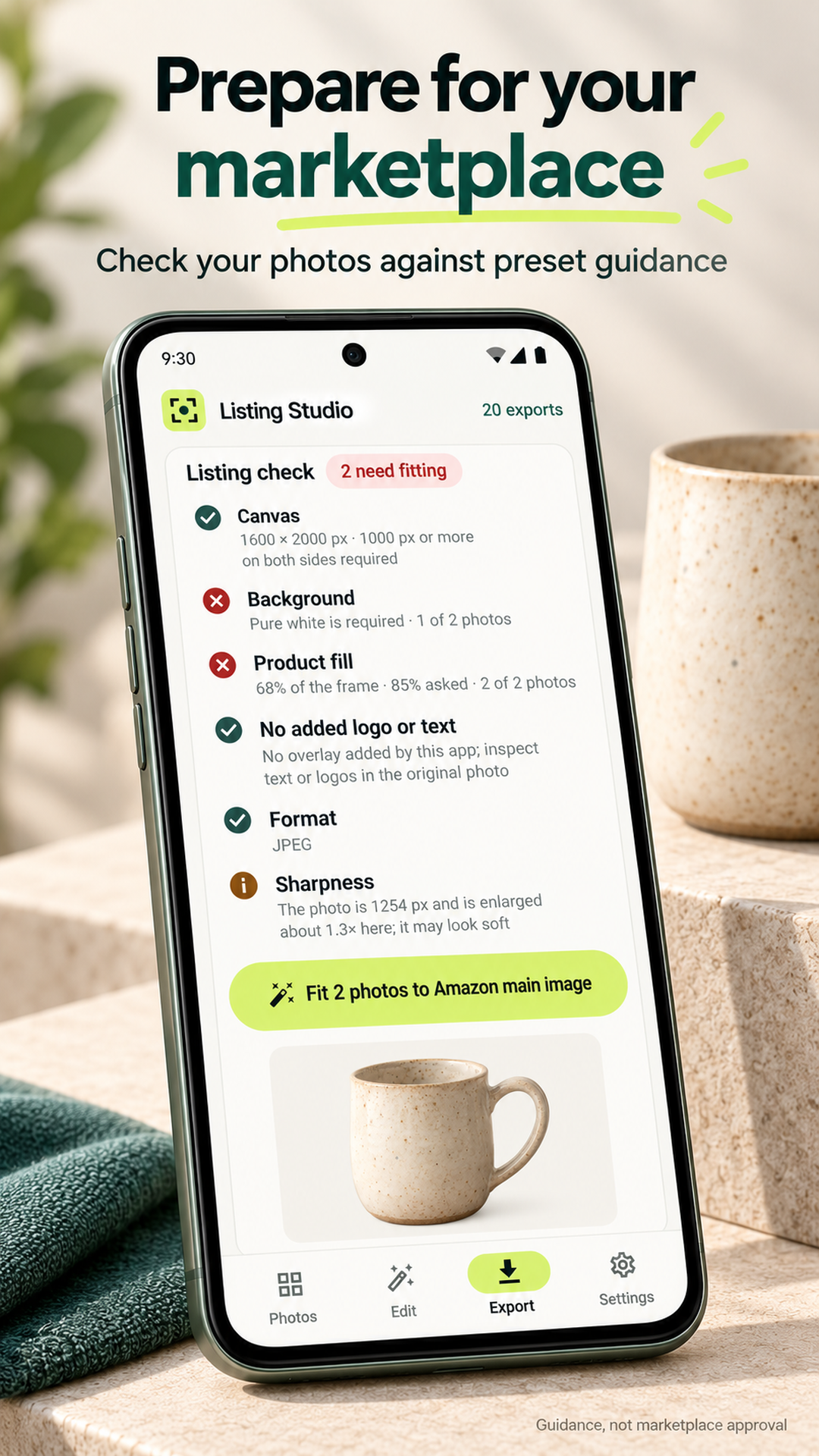
- Style a batch with backgrounds, shadows, light and color adjustments, text labels and saved looks. Marketplace layouts and checks help preparation; they do not guarantee approval.
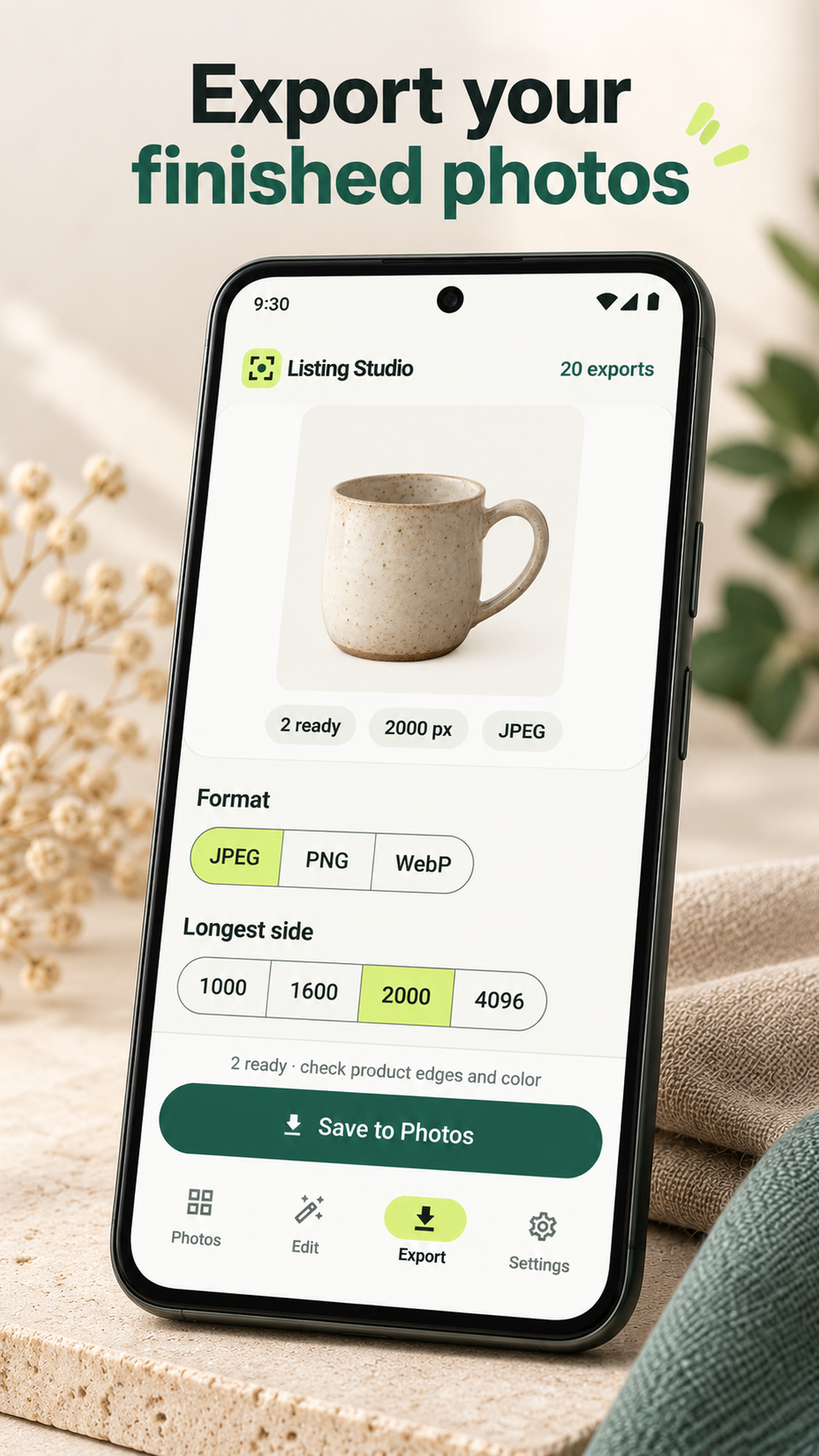
- Export JPEG, PNG or WebP to your gallery or share them. Free includes batches of ten photos and 20 new exports per UTC month without a watermark; unchanged re-saves use no new allowance.
- Optional monthly or yearly Seller subscriptions add unlimited exports and batches of up to 250 photos. Save portable local batch backups separately from your purchase access.
Review the app’s privacy, support and deletion information. Google Play confirms availability for your device and country; features may differ by installed version.
A closer look
Inside Timastra Listing Studio
Published Google Play screenshots, checked 31 October 2026. Sample content and store presentation framing are shown. Select a screen to view it full size.
Questions about Timastra Listing Studio
Is Listing Studio available on Google Play?
Yes. Timastra Listing Studio has a public Android listing under package com.timastra.listing_studio, checked on 31 October 2026. Follow this page's Google Play link to check availability for your account, device and country. No Listing Studio account is required; iOS availability is not announced here.
Are product photos processed offline or uploaded to AI services?
The default Android cutout engine is bundled BiRefNet Lite and works offline. Optional phone subject detection is another on-device result through Google Play services, with Google's own technical usage reporting. Photos and projects remain local unless you save or share a file to a destination you choose. Store publishing, teams, cloud assistance and generated backdrops are disabled.
What is free, and how does Listing Studio Seller work?
Free supports ten-photo batches and 20 new exports per UTC calendar month with no watermark. Saving an unchanged result again does not consume another new export. Active Seller subscriptions provide unlimited exports and batches of up to 250 photos. Google Play shows monthly or yearly prices and renewal terms before purchase; subscriptions renew until cancelled in Play. Google Play and RevenueCat handle purchase and subscription identity, not your photos.
How do I back up projects or restore Seller on a new phone?
Save a private .listingstudio batch backup before clearing data or uninstalling. Backups contain originals and edits, are limited to 128 MB and are not encrypted. Restoring adds a batch, not purchases or export counts. For Seller, use the original Google Play account and Settings > Restore purchases. Purchase restoration does not recover photos. Contact support before buying again if an earlier account-linked purchase fails to restore.
Need a hand?
Find help for Timastra Listing Studio, or ask us about access on your device.
Visit app support