Timastra on mobile

Fortuna
Track spending and budgets in an encrypted local ledger. Review receipt and supported SMS drafts before saving; optional one-time Pro.
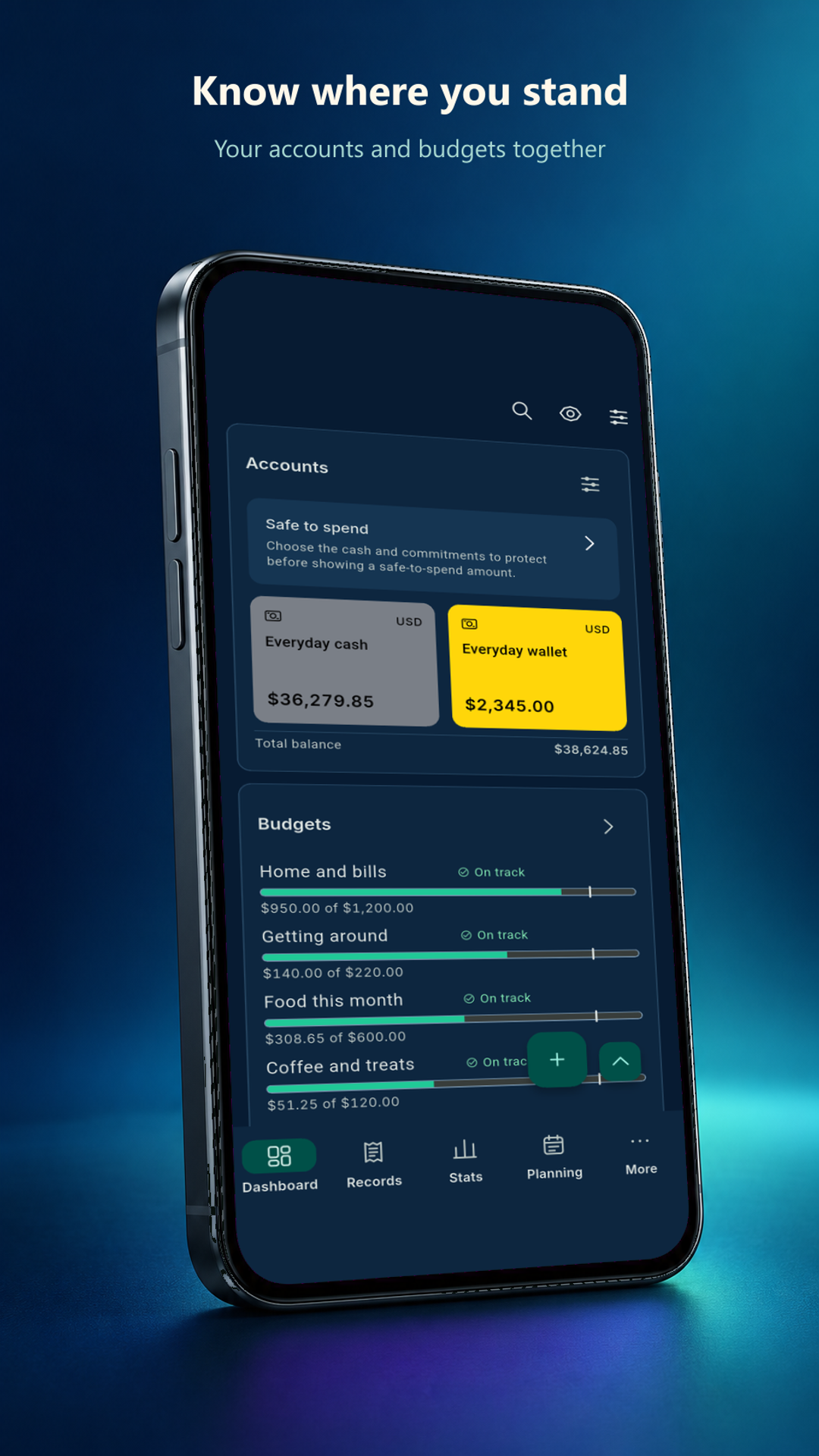
Keep everyday expenses, income, accounts and budgets in one personal ledger. Review spending pace, upcoming bills and the evidence behind draft entries before choosing Save. Your encrypted ledger stays on your phone, with no Fortuna account required. Check your installed version for available tools.
Available to download
Check Google Play for your device and country · listing checked 2026-11-09
What you can do
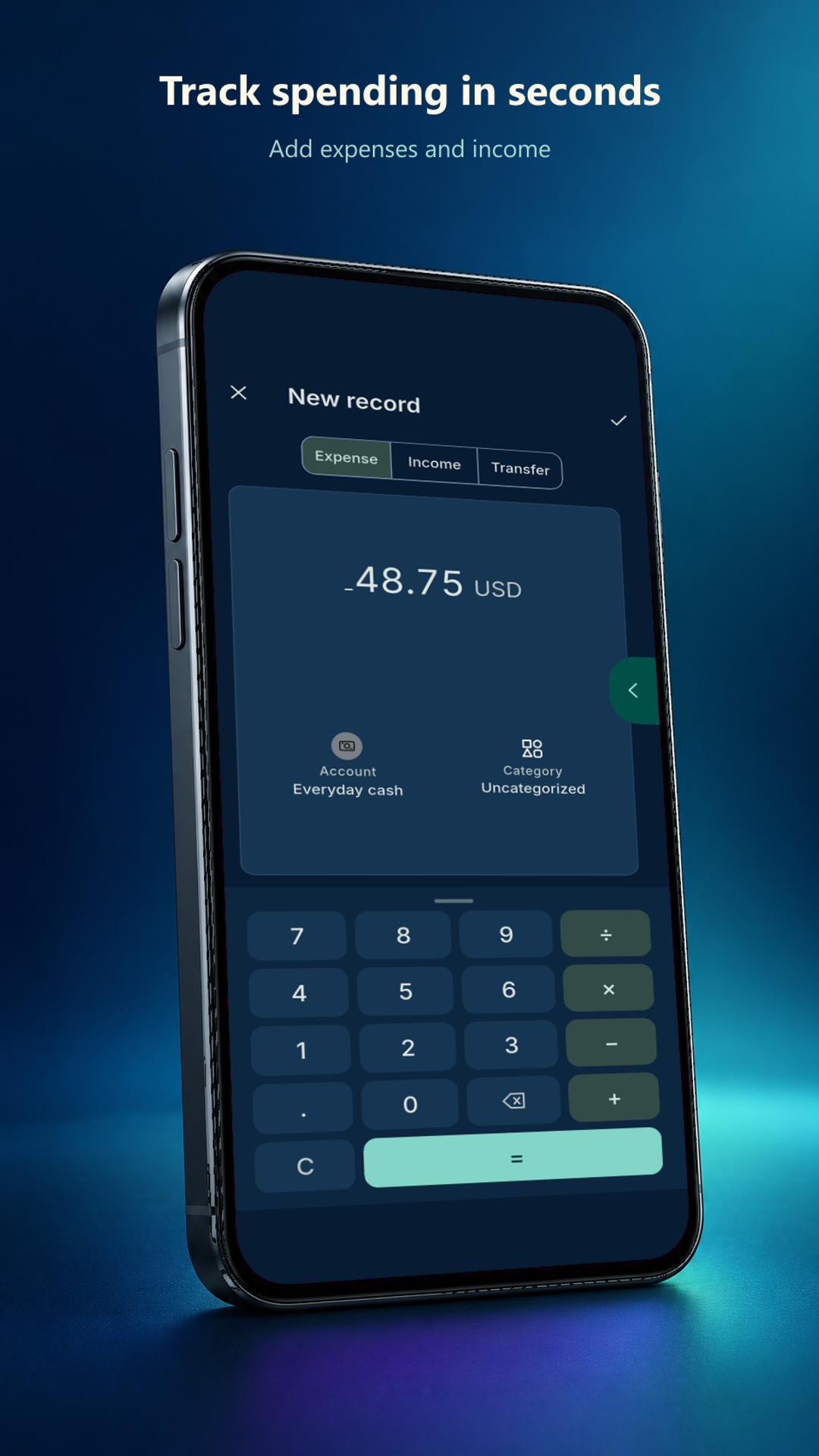
- Record expenses, income, split transactions and transfers across unlimited accounts and budgets in the free app. Keep receipt photos in app-private storage.
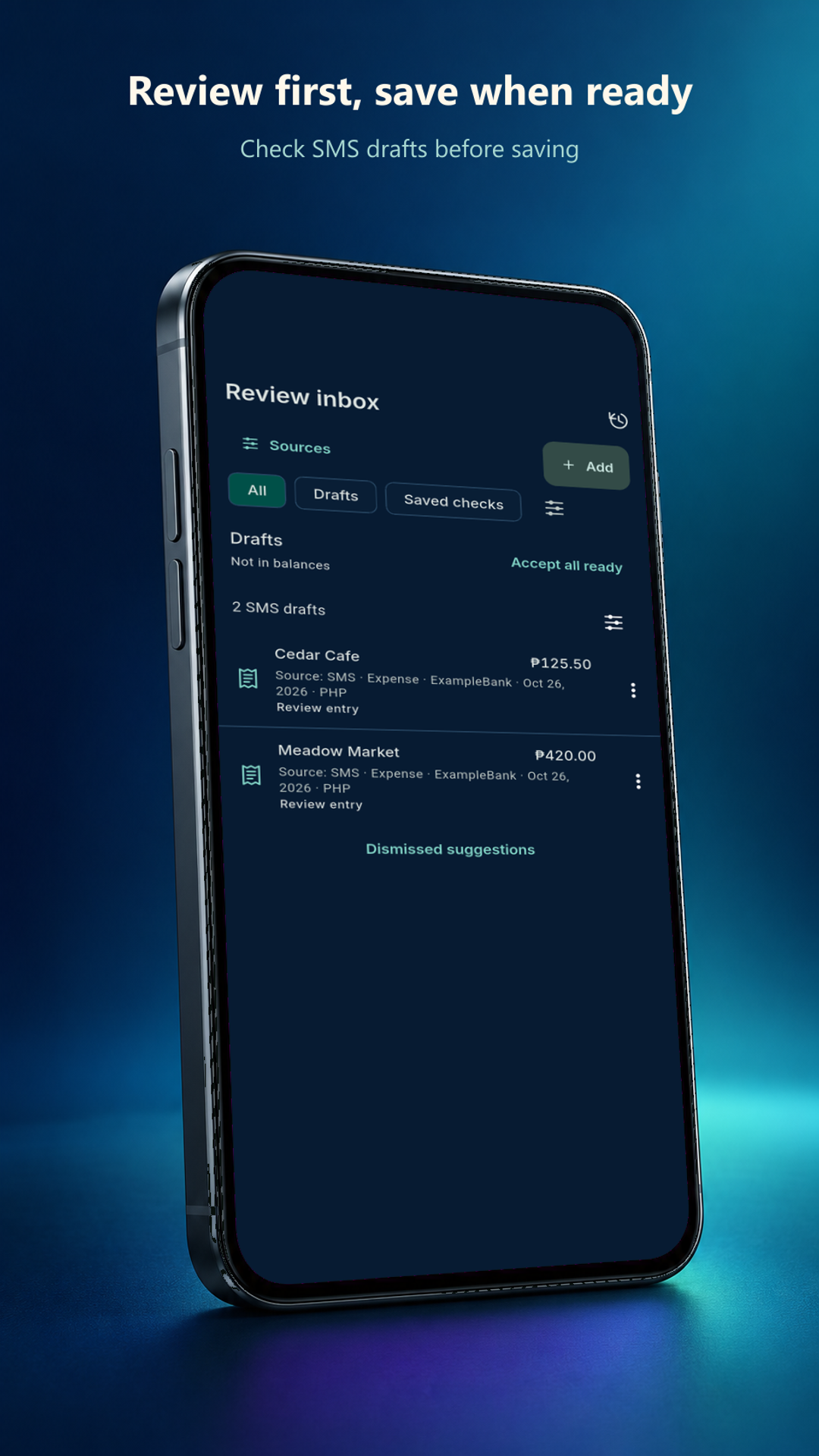
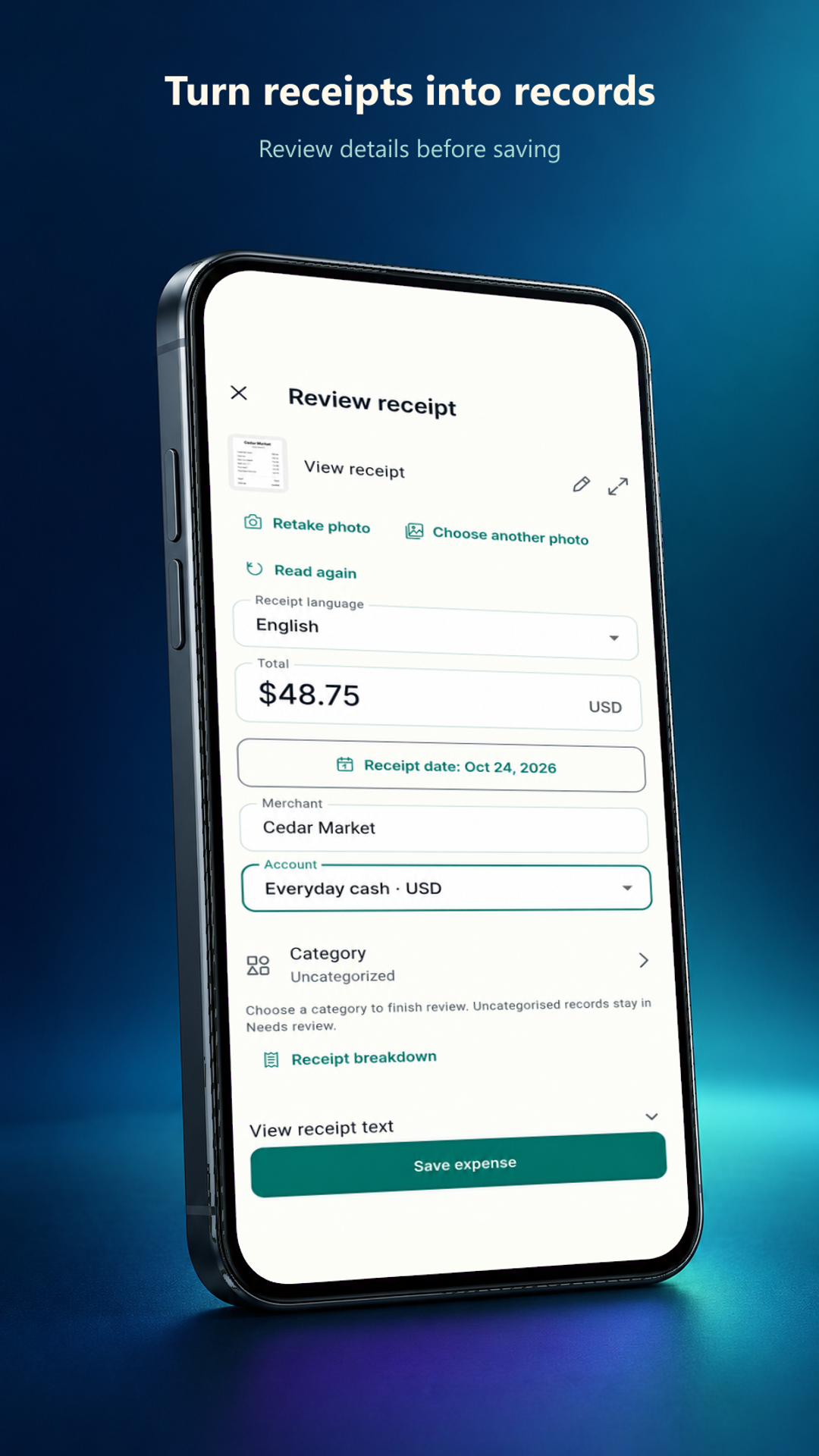
- Review receipt and supported SMS drafts alongside original evidence. Optional Android SMS capture requires permission; drafts do not affect balances until you explicitly save.
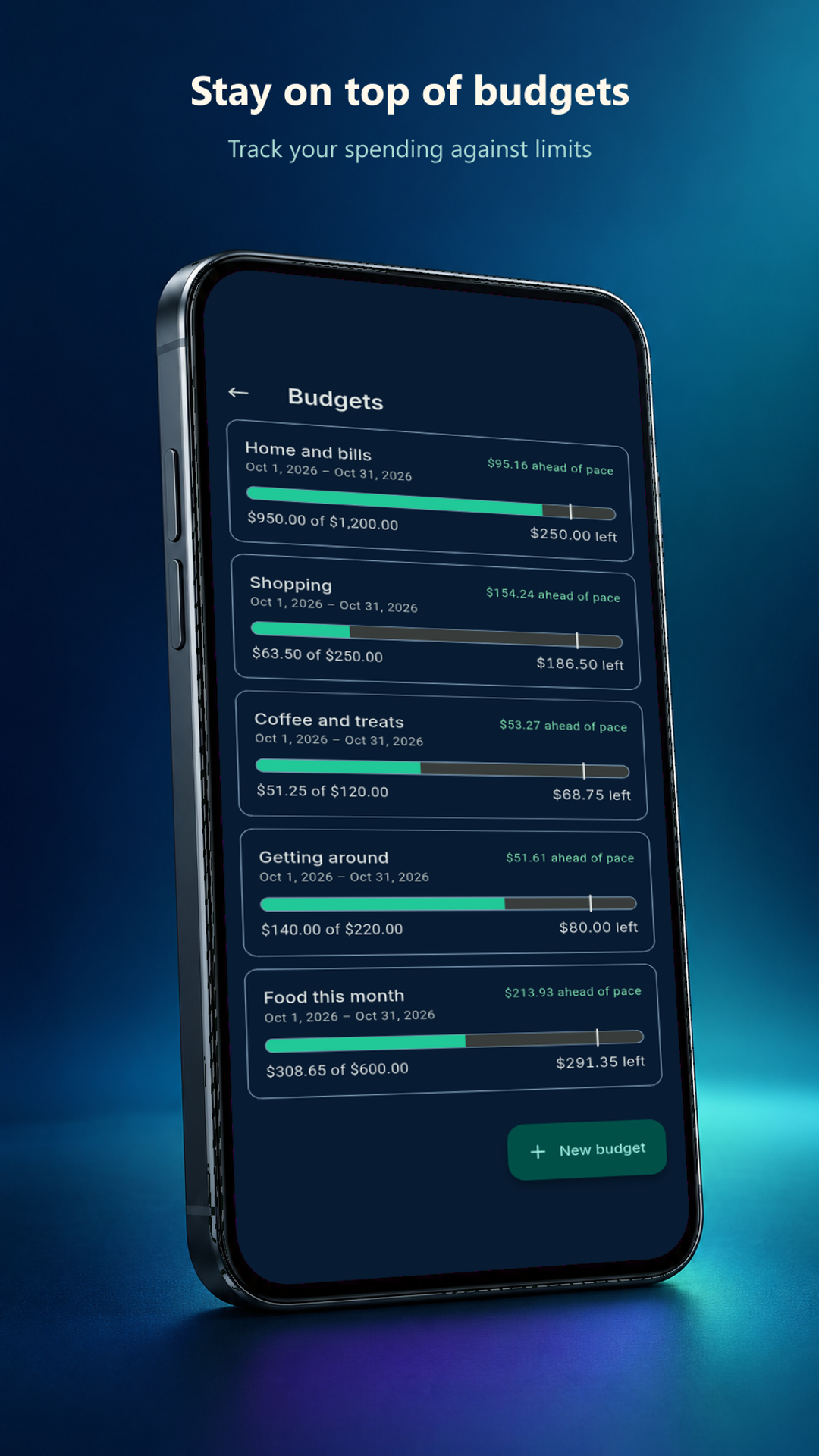
- Plan recurring bills, goals and debts alongside budget pace and rollover. Safe-to-spend estimates depend on the balances and commitments you enter.
- Work offline, export CSV and make passphrase-encrypted backups free. Optional one-time Pro adds deeper insights, saved what-if plans and PDF report packs. Automatic Google Drive upload is unavailable.
Review the app’s privacy, support and deletion information. Google Play confirms availability for your device and country; features may differ by installed version.
A closer look
Inside Fortuna
Published Google Play screenshots, checked 31 October 2026, with fictional financial records and store presentation framing. Available tools depend on your installed version. Select a screen to view it full size.
Questions about Fortuna
Does Fortuna work offline without an account?
Yes. Recording money, managing accounts and budgets, and reviewing local records work offline without a Fortuna account. The ledger is encrypted on your device. Optional purchases, purchase restoration and external exchange-rate or asset-price requests need connectivity.
Is Fortuna free, and is Pro a subscription?
The free app supports unlimited accounts, budgets and records, full-history CSV export and local backups. Optional Fortuna Pro is a one-time purchase for deeper insights, saved what-if plans and a Monthly Money Story PDF pack. Google Play shows the available localized price before confirmation. Existing records remain editable if paid access changes; restore eligible access with the original store account.
Does Fortuna save SMS or receipt drafts automatically?
No. Receipt and supported SMS entries remain drafts in the Review inbox until you review their details and explicitly choose Save. Optional Android SMS capture starts only after you enable it and grant permission; history is read only when you request a scan or import. Processing stays on your device. Manual entry and pasting supported messages remain available without SMS access.
Does Fortuna connect to my bank or move money?
No. Fortuna records information you enter; it does not connect to bank accounts, hold funds, execute trades or provide loans. Safe-to-spend and cash-flow figures are estimates based on your records, not financial advice or a guarantee of available money. Optional rate requests send currency codes or asset identifiers, rather than your account balances.
How do I move Fortuna records to another phone?
Create a passphrase-encrypted backup and keep both the file and passphrase safe, then restore it on your new device. Timastra cannot recover a lost backup passphrase. A store purchase restore recovers eligible Pro access separately from your ledger. CSV, PDF and printed exports are readable copies; automatic Google Drive upload is not enabled.
Need a hand?
Find help for Fortuna, or ask us about access on your device.
Visit app support